

Authenticating with Mobito
First steps
Before using the Connected Fleet API you will first need to authenticate with Mobito. As you will later see, the API uses JSON Web Token (JWT) for authenticating users. To be able to obtain a JWT you will be provided with email/password credentials for logging in to the User Management service. To receive a set of credentials please contact us at support@mobito.io.
Getting the JWT
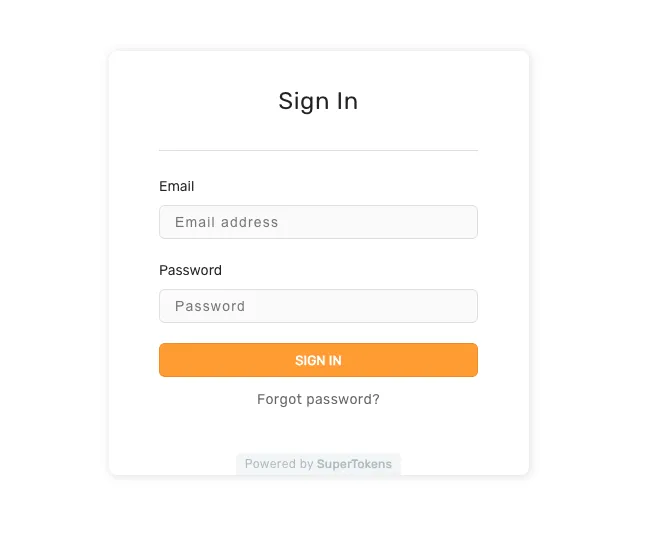
To get your JWT you need to navigate to the User Management Login page where you will see the following login form:
After filling your credentials you will see this successful login message including your user id and an option to get the JWT:
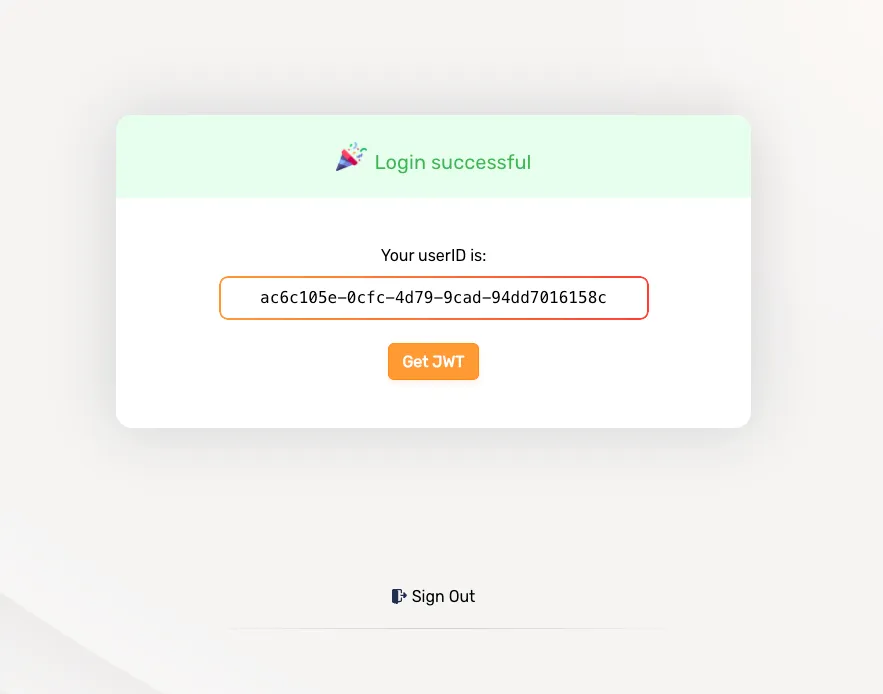
Click the Get JWT button and the Copy to Clipboard button on the modal that pops up.
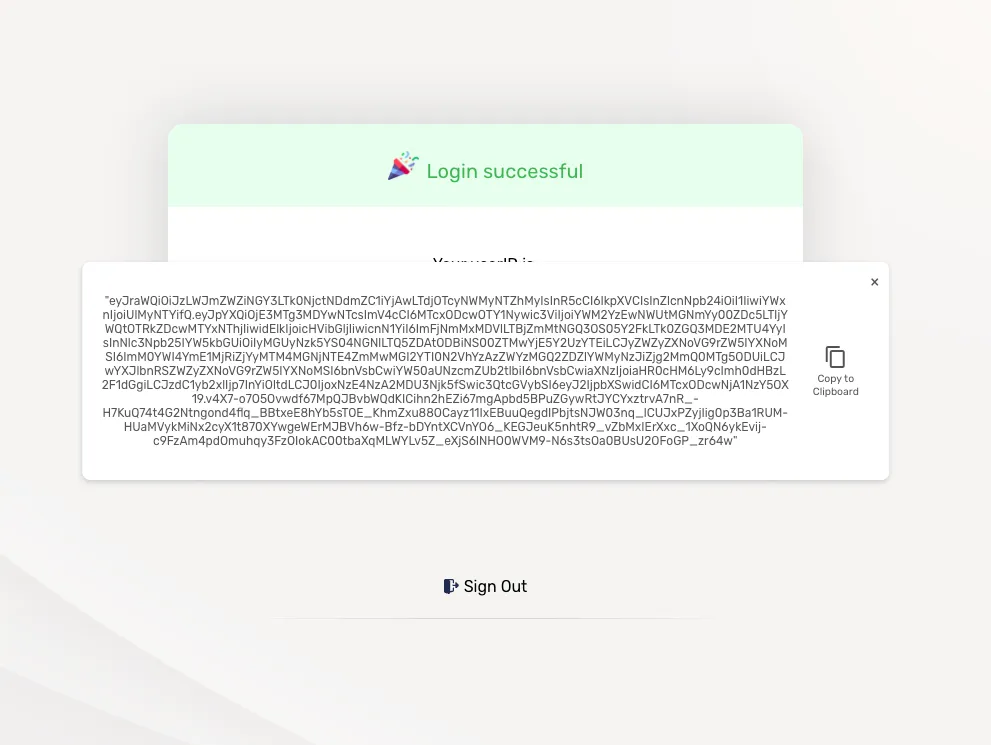
You are now ready to start interacting with the Connected fleet api, just add your JWT as a bearer token on the Autorization header of your requests.
Refreshing the JWT
The default expiry time for an access token is one hour after it was created. When that time passes, the access token will no longer be valid. However, creating a session also comes with a refresh token. Unlike access tokens, refresh tokens are valid for much longer. The default validity period for refresh tokens is 100 days. You can take a valid refresh token and use it to request a new access token by navigating back to the User Management Login page. If the refresh token has expired, though, you will have to sign in again with your email and password.
Example usage
If you want to fetch your fleets send the following curl to the Connected Fleet API:
curl http://localhost:3005/fleets \-H 'Authorization: Bearer <your_token_here>' \